
AI-Generated Interactive Business Decision Tree
Iterative prompting helps create trees quickly

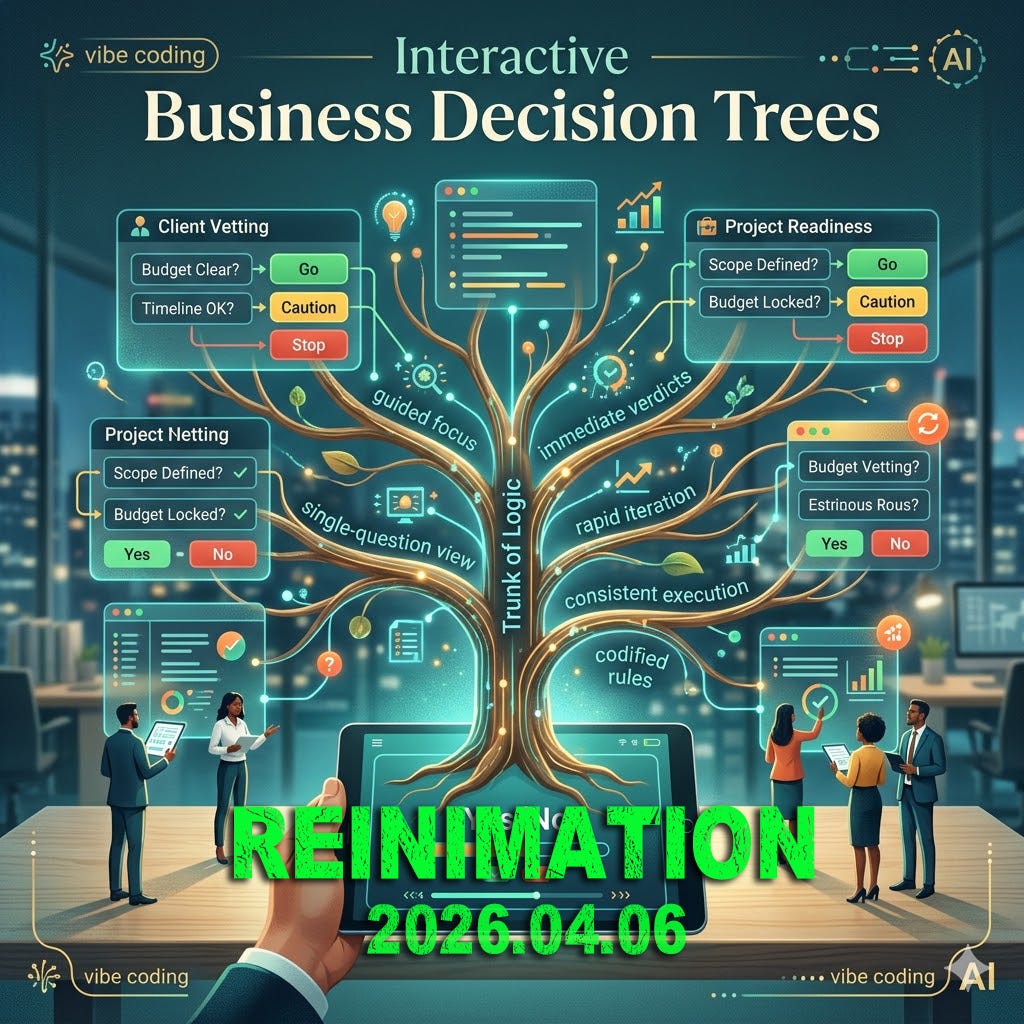
Building interactive business tools is no longer the exclusive domain of software engineers. With the rise of “vibe coding”—the ability to describe a functional tool into existence through iterative prompting—professionals can now transform static checklists into dynamic, interactive experiences. One of the most effective applications of this shift is the AI-Generated Interactive Business Decision Tree.
Part 1: The Concept — Engineering Decision Clarity
AI-Generated Interactive Business Decision Trees are a modern evolution of traditional flowcharts, transforming static decision-making logic into functional, web-based applications. By leveraging generative AI models, you can “vibe code” these tools into existence by describing your business rules in plain English and receiving a standalone HTML file that anyone can use in a browser.
Unlike a standard PDF flowchart, an interactive decision tree presents one question at a time, guiding the user through a specific logical path based on their input. Instead of manually building every branch in a design tool, you provide the AI with your “if/then” rules or a project plan. The AI then writes the necessary HTML, CSS, and JavaScript to create a clean, clickable interface. These tools are often “single-file” applications, meaning they require no server, no login, and no specialized software to run.
The business benefits are significant. These tools reduce cognitive load because users aren’t overwhelmed by a massive map of possibilities; they only see the next relevant question. By codifying your business logic, you ensure every team member follows the same “ready” or “stop” protocols without human bias or fatigue. Visual feedback—such as color-coded “teal” for go, “gold” for caution, and “red” for stop—provides immediate clarity on high-stakes decisions. Furthermore, if your business rules change, you simply update your prompt and generate a new version of the tool in seconds.
Part 2: The Demo — The Project Readiness Gatekeeper
To demonstrate this in action, we can look at a real-world application for a complex development project. While the primary project might be a full-stack web application, a lightweight, interactive decision tree serves as a “Gatekeeper” to manage the high-stakes exit criteria for each development phase.
This tree is built directly from the project’s success criteria and risk mitigation strategies. At the Intake stage, it asks if the parsed text from source documents is clean and readable. If it is not, the tool triggers a critical protocol to fall back to plain-text paste and re-verify the parser. During the Outline phase, it checks if the AI is citing its source passages to prevent hallucinations; if not, it instructs the producer to lower the temperature and lock the schema.
As the project moves into Audio rendering, the tree verifies that the voice-over is free of jargon errors, suggesting phonetic hints or SSML if issues are found. Finally, during the Polish phase, it checks the end-to-end run time. If the demo exceeds five minutes, the tool mandates an immediate feature freeze to protect the final showcase.
Check code as an HTML file, you can experience how vibe coding transforms a static plan into a functional utility.