
Personal Receipts
Using Gemini Gems & Claude (Not Code or Cowork)

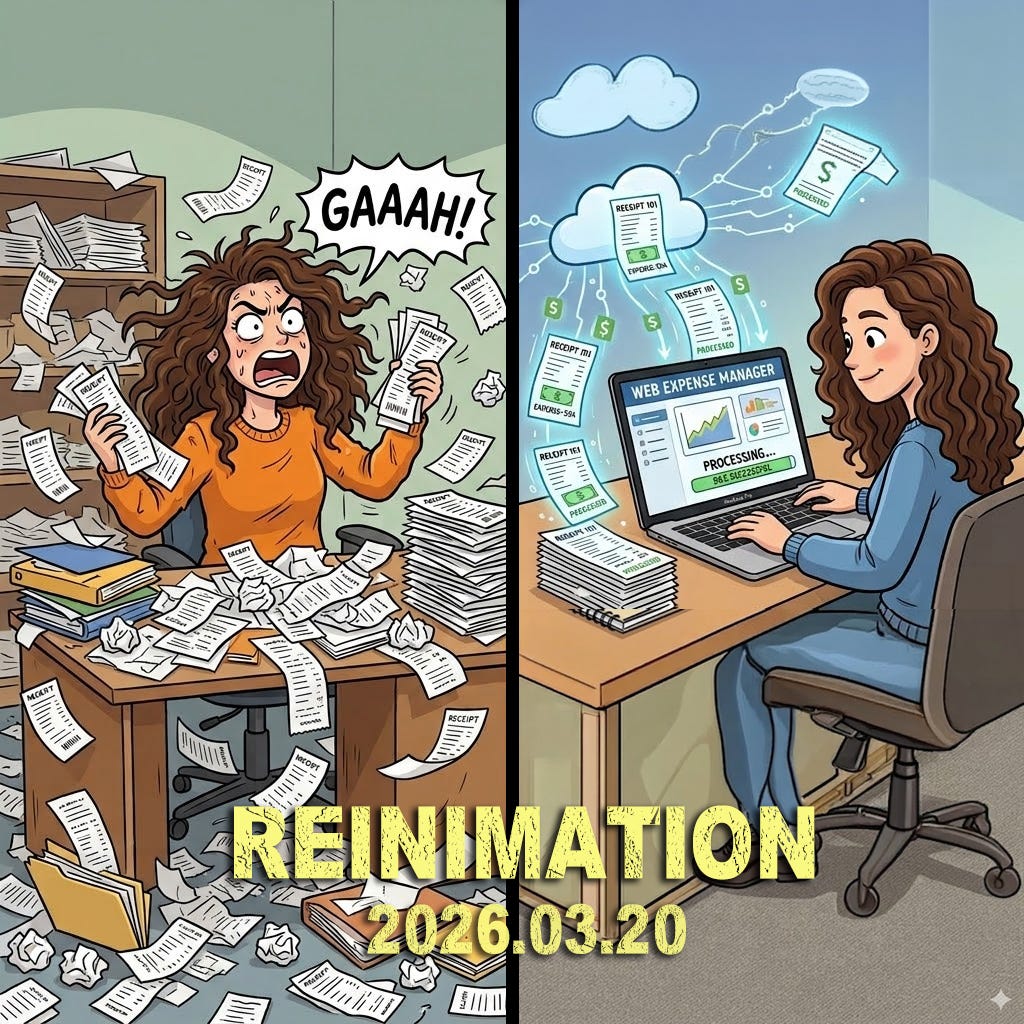
Lisa has a lot of receipts from her candle business. I wrote a FileMaker Pro (of course I did if you knew me at Disney) database to manage the products, sales and expenses. Receipts are a pain in the butt. If you remember, I wrote an receipt processor a few weeks ago for work. I was able to use Claude Cowork because I was developing it for work and I have a work license. I’m not bougie like that at home so I’m right now just using the free version of Claude to try to create an app for me. I also wanted to test using Google Gemini “Gem” to create a process. Here are my story…
My Prompt:
I’d like to create an app that would allow me to input up to 10 PDFs of expense receipts. I want to convert the PDFs to a CSV file that I can import into Filemaker Pro. I’d like you remember answers for some receipts because they are repeated.
Here is the data:
* Transaction Date: m/d/yyyy
(and on…)
Gemini Gem
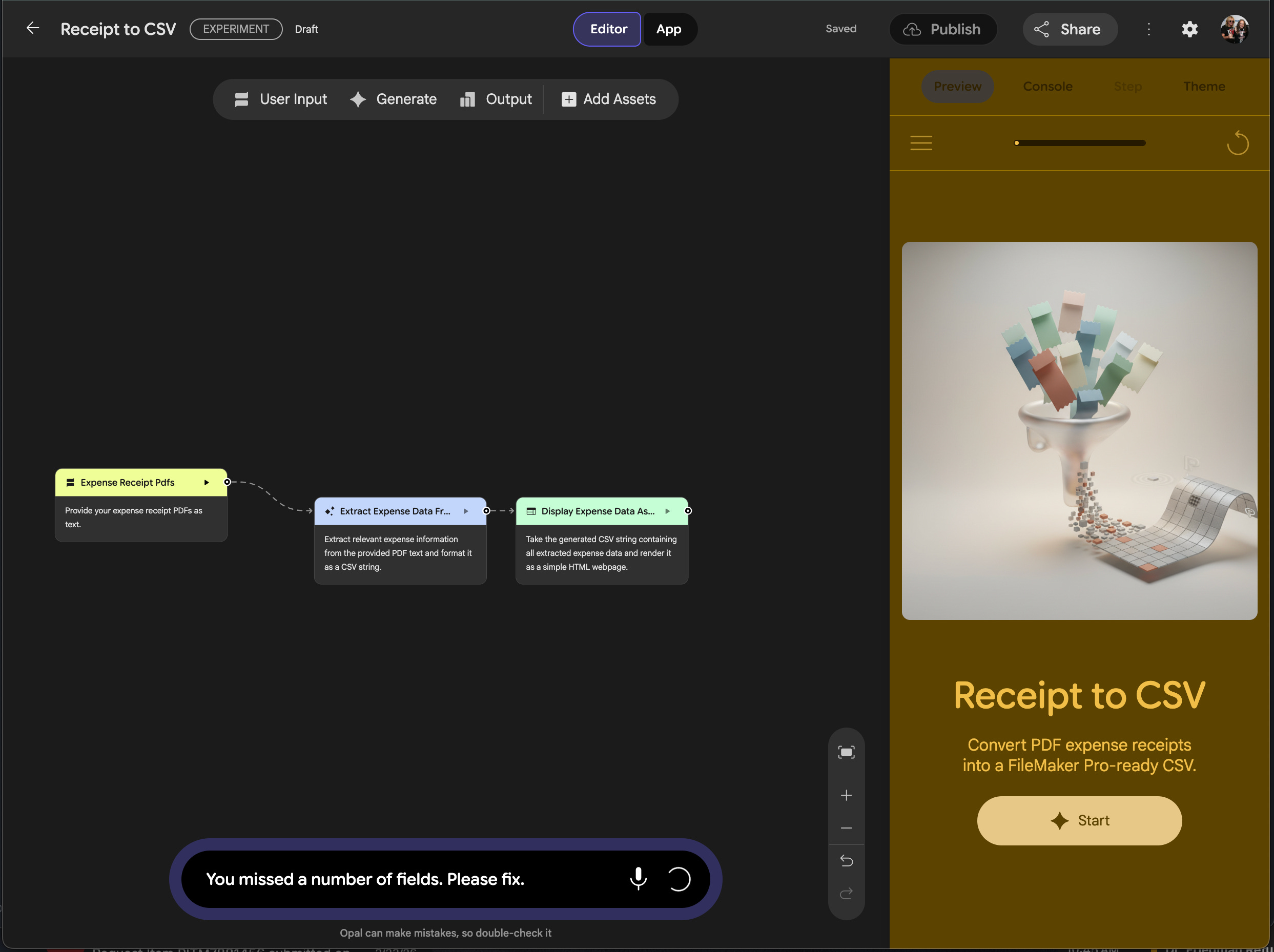
The Gemini interface isn’t that intuitive Claude (web or Cowork) or even just using Gemini (which I have done). The editor has a graphic workflow interface which is cool, I guess, but not really that helpful in my opinion. The first test used 1 PDF. I wasn’t able to drag the PDF into the interface, I had to use the upload. Strange but not horrible. It then produced an output that had two duplicated lines of CSV data for 1 interface. That was wrong so I clicked on that node and asked it to fix it. I fixed having one line of code but it missed several fields of data. The screen you see above is actual live video from the interface because it is still just spinning. Would not complete that fix. The initial version took what seemed a longish time (compared to Claude) The image was pretty cool though.
Claude Web
Same prompt, very different results.
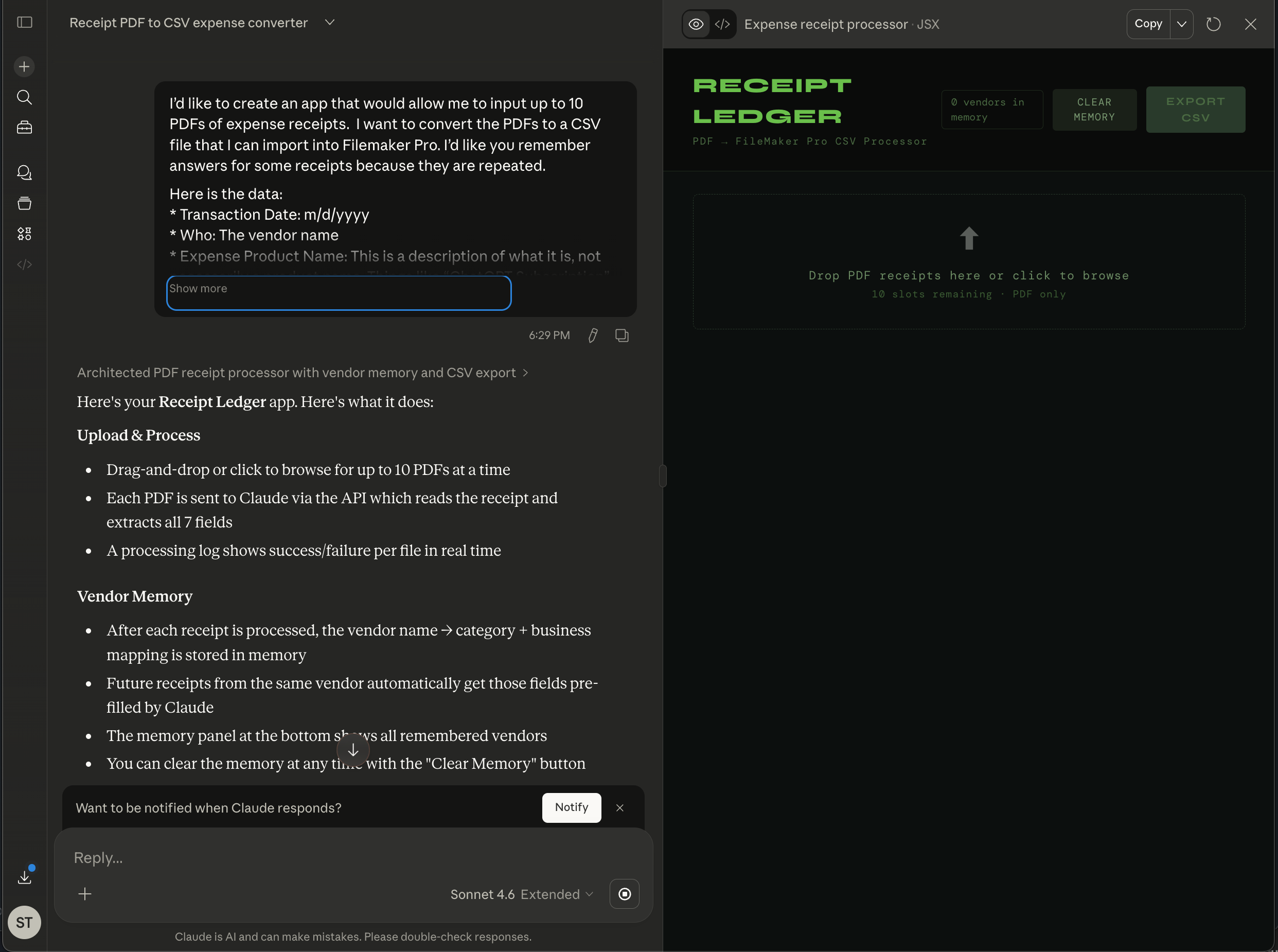
Drag and drop worked. Everything worked. I then asked it to add a feature of renaming the PDF file and putting it in my Documents folder and that worked too. Slam. I know this is always back and forth, but Claude is the rockstar. Today.
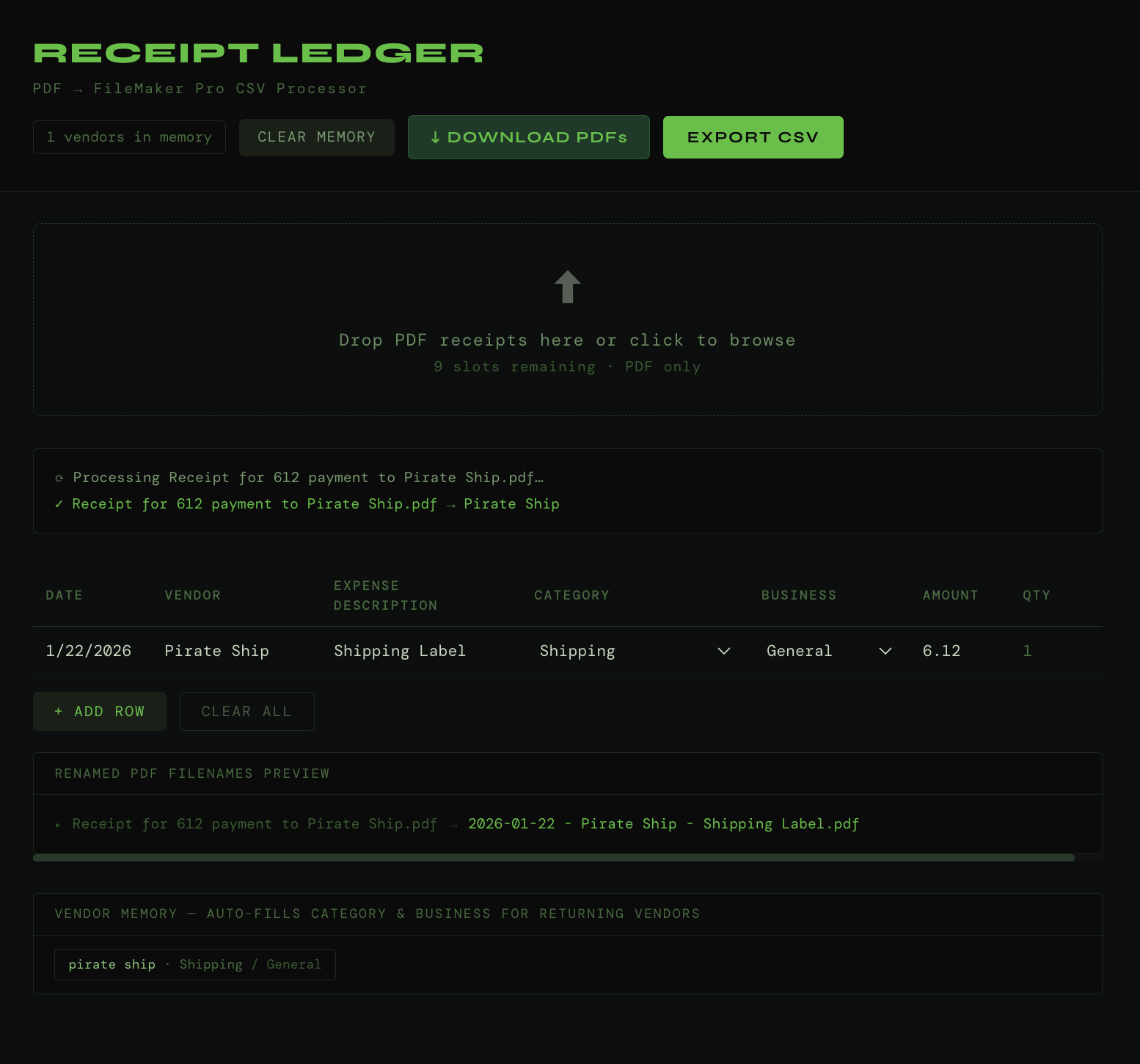
Now I had fun. Starting making changes like “vendor management” to change things like “Pirate Ship should always be “Shipping” . I was going to have it prompt since for Pirate Ship it could be candles or guitar pedals, but I’m going to add that metadata into the Pirate Ship receipt so AI can get that. You know something is working well when you are having fun.
You should consider setting this up as a Claude project to manage her business. Although that might cost you $20 a month to get access to that. The idea is that it can remember the important information but you don’t have to keep going back to the same conversation which is you know is a really bad idea because it starts to lose its mind after a while and very long conversations.
This way overtime as you expand this, it will know the important stuff across conversations like what you already have to manage receipts